
Overview
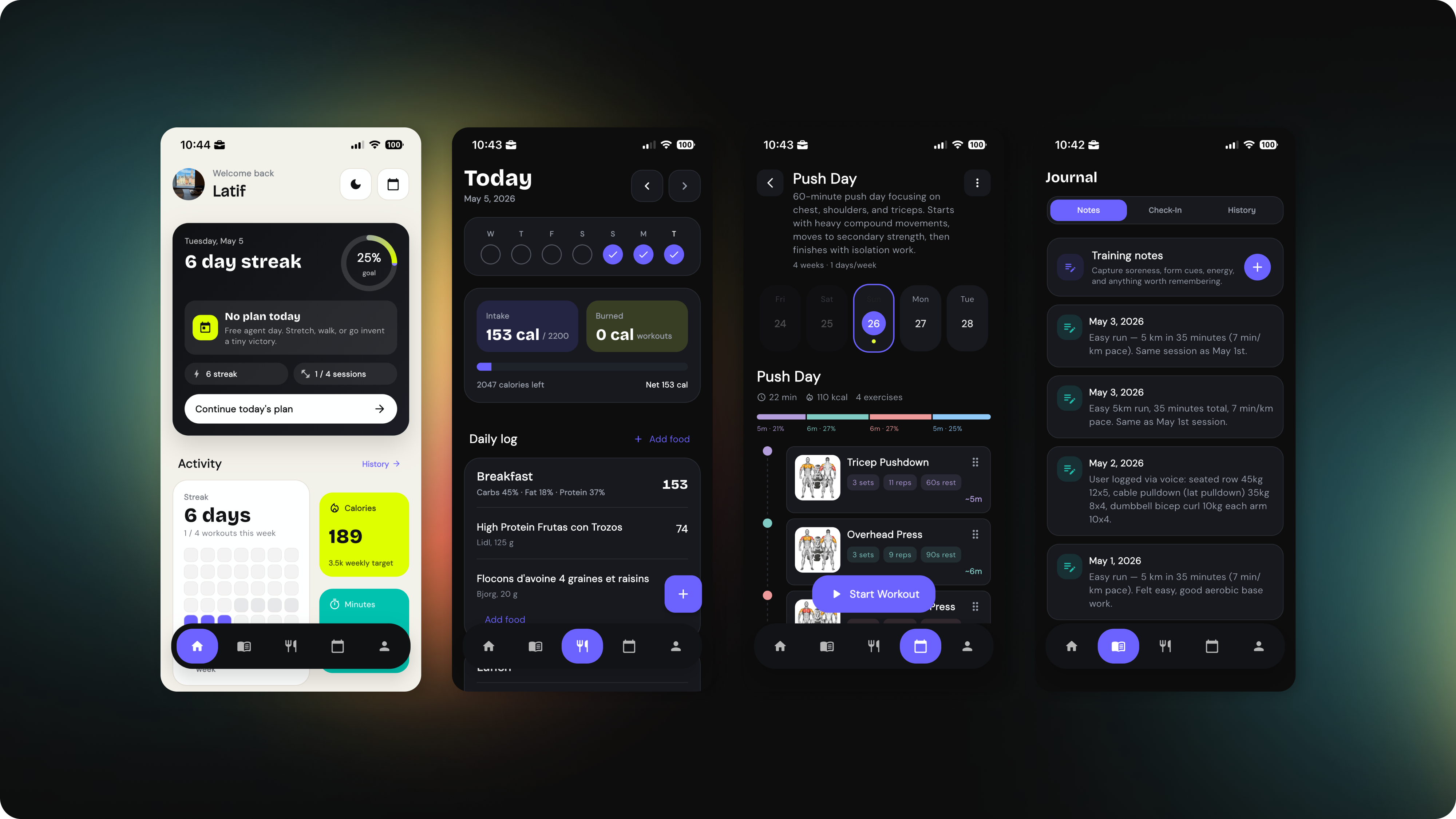
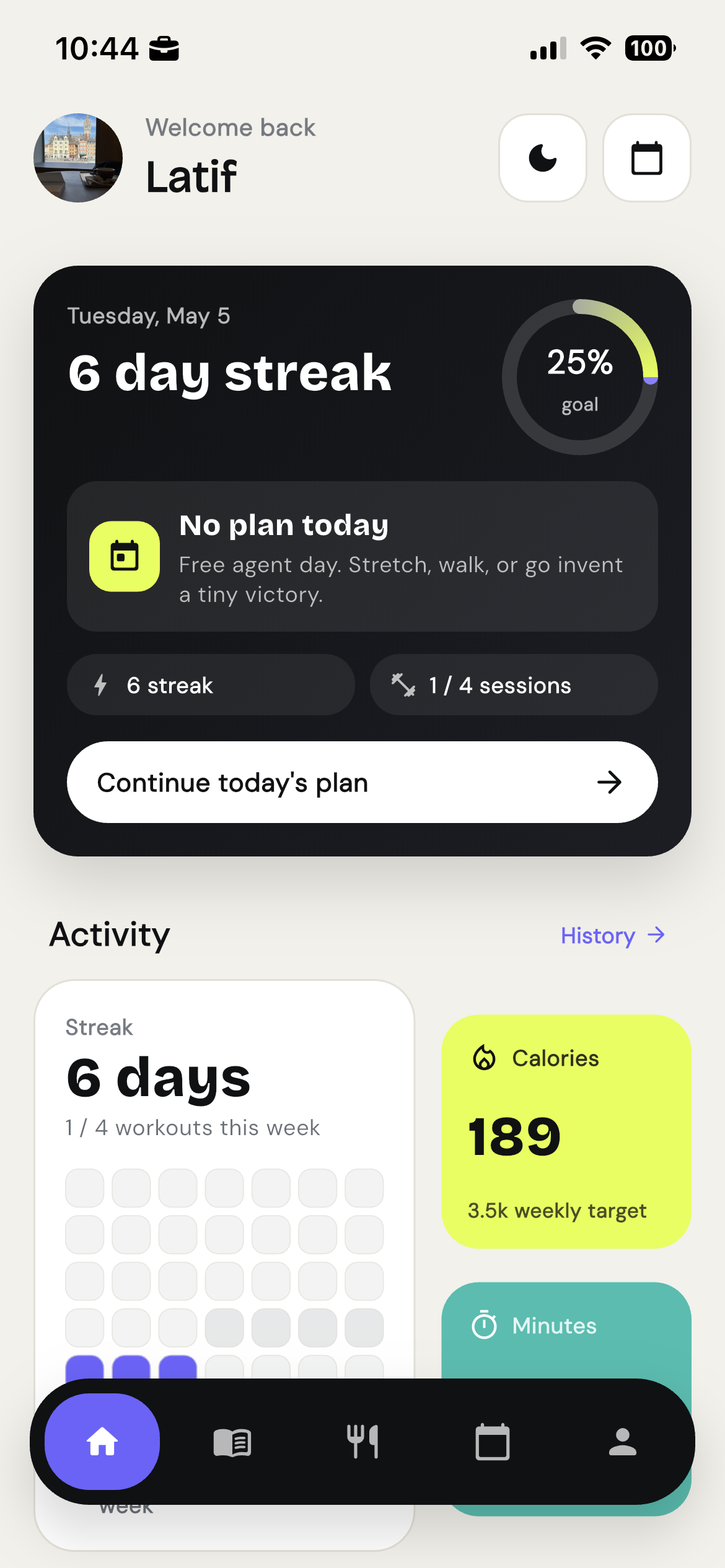
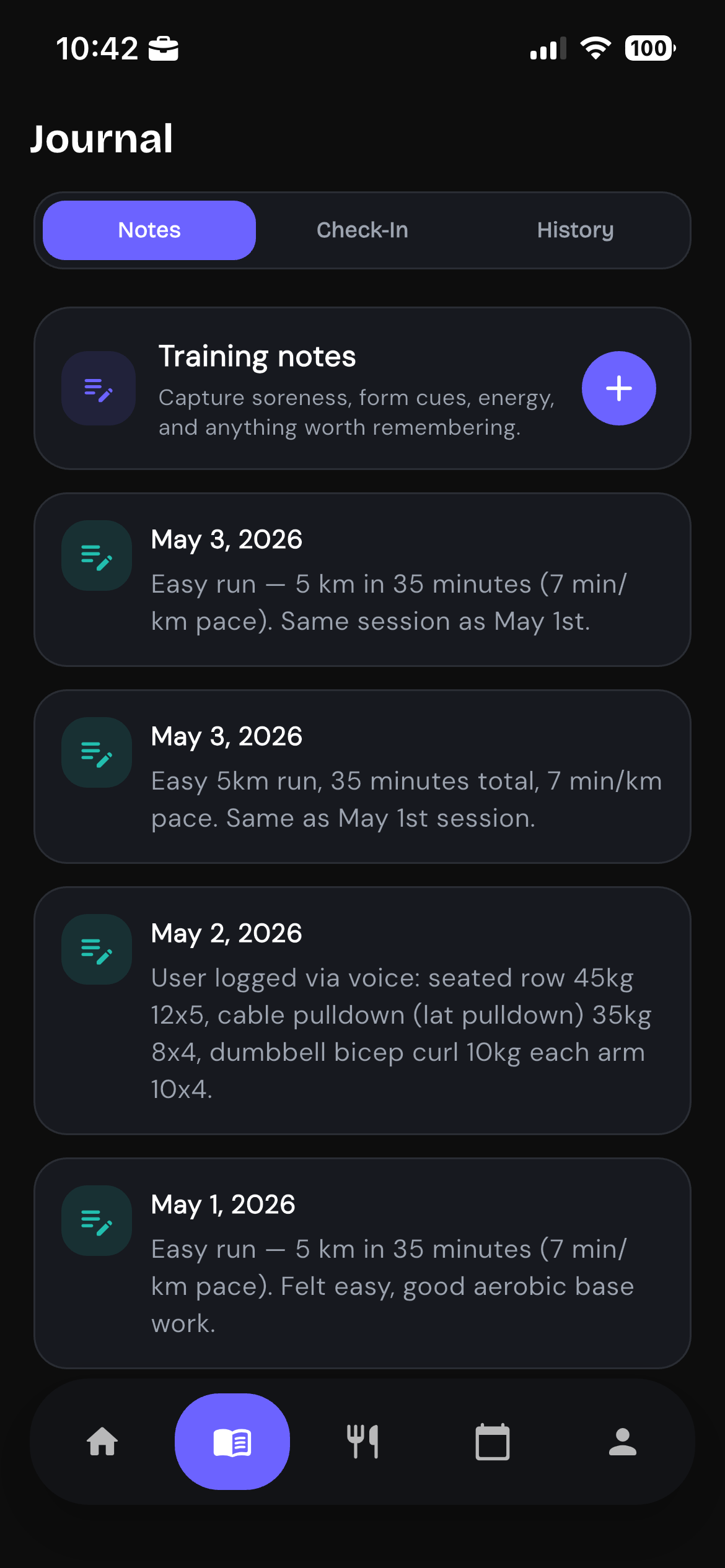
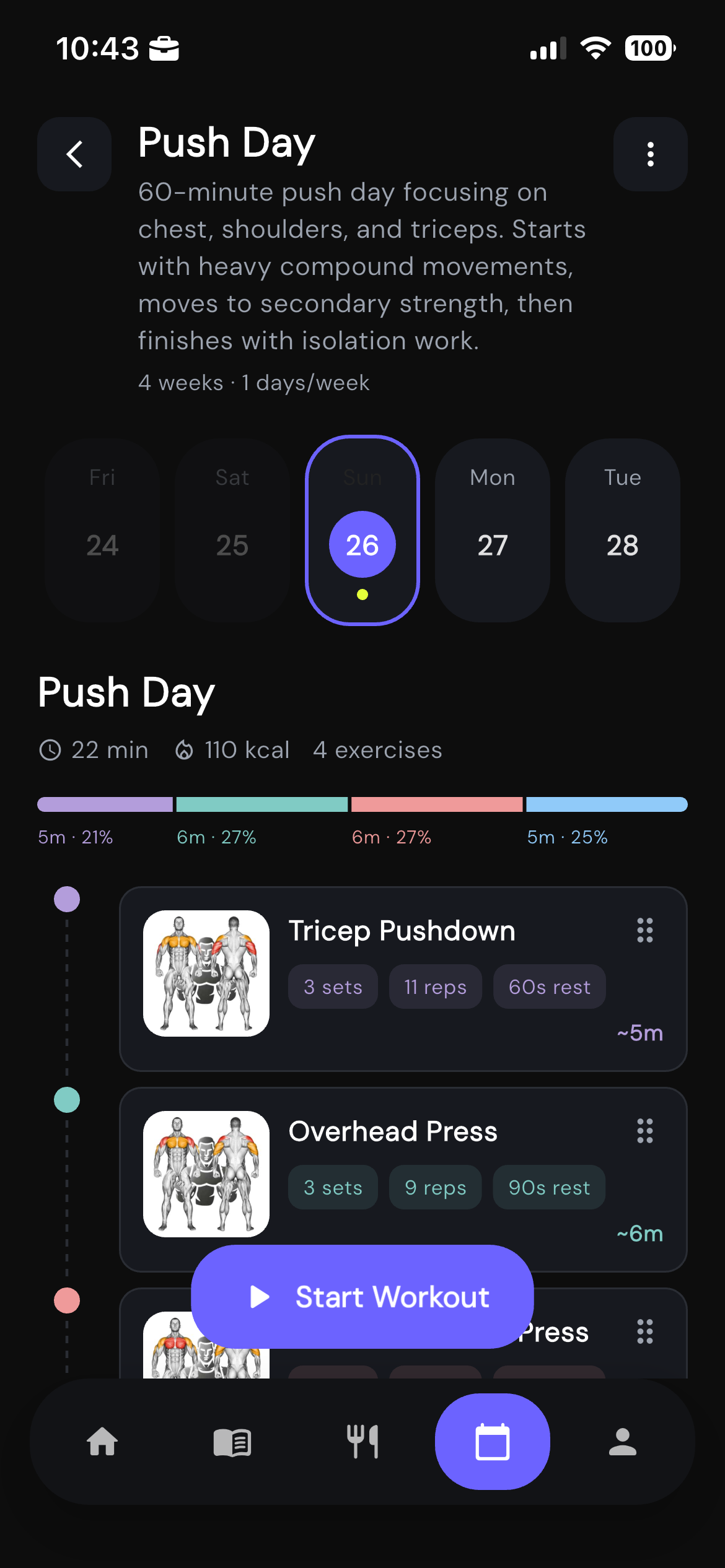
Trainerrr is a fitness app. You plan your training weeks, log your sessions, track your nutrition, and keep a journal of your progress in one place, on your phone.
That is the product most people see.
The more interesting layer, if you are building software, is that Trainerrr also ships an MCP server. It gives an AI assistant like Claude a structured way to read and write your fitness data on your behalf.
Once it is connected, you can talk to Claude the way you would talk to a personal trainer who already knows your history.
What the app does
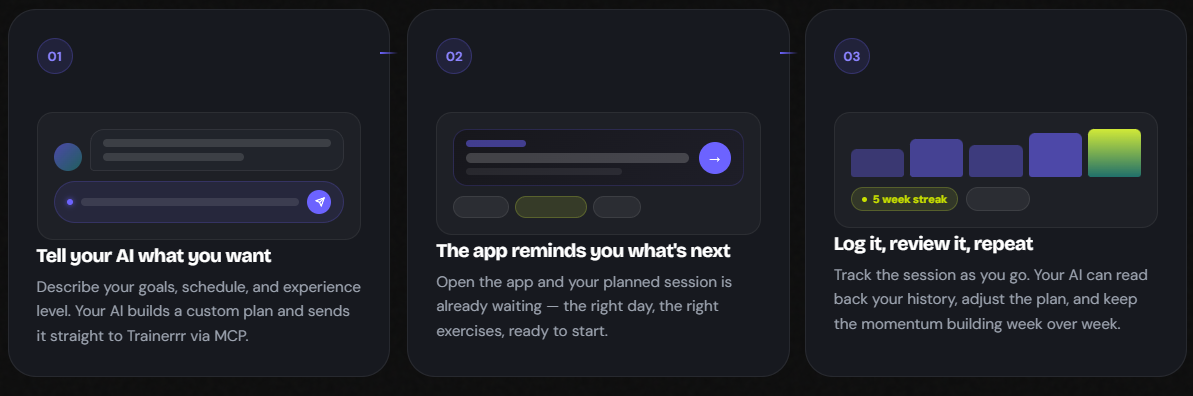
Trainerrr is built around a simple loop.
- Plan your training week with named workout days, exercises, sets, and reps.
- Run the session from your phone and log each set as you go.
- Review your journal, weekly check-ins, and progress over time.
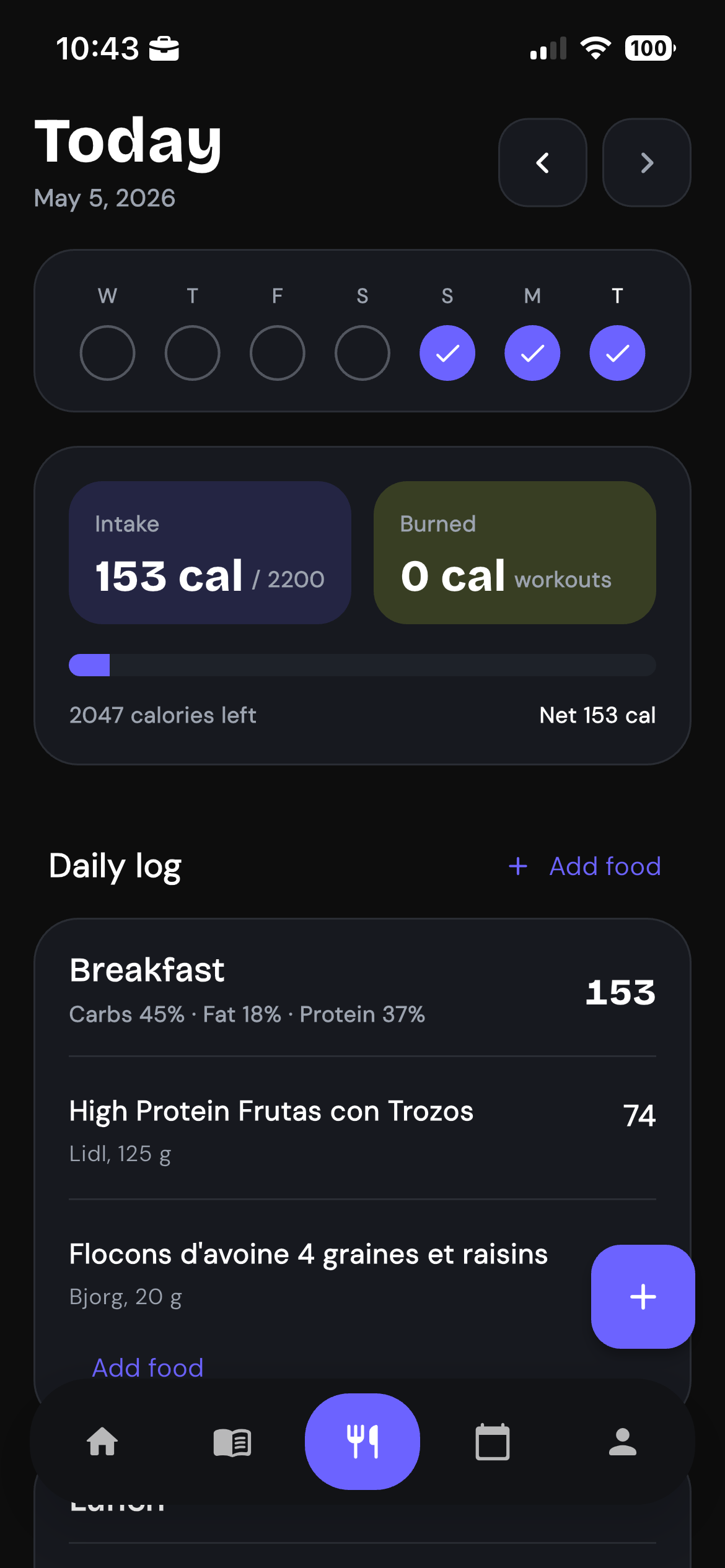
Nutrition sits alongside training. You can log meals, search Open Food Facts, and track daily intake against a calorie target. Bodyweight check-ins, training notes, and weekly summaries give you a record you can use.
There is no social feed, no ad layer, and no fake engagement loop. It is a planning and logging tool for people who already care about staying consistent.
The MCP layer
MCP stands for Model Context Protocol. It is an open standard that lets AI models connect to external data sources and take actions through a defined set of tools.
Trainerrr exposes an MCP server at mcp.trainerrr.xyz/mcp.
Once you connect it to Claude Desktop, Claude Code, or any other MCP-compatible client, the model gets access to more than 20 tools tied directly to your account data.
It can:
- Read your workout history and weekly summaries.
- Search your exercise library and create custom exercises.
- Build a complete workout plan and save it to your account.
- Log a workout from a natural language prompt.
- Search Open Food Facts and log meals.
- Pull today's nutrition totals and remaining calories.
- Read your training journal and weekly check-ins.
- Update weekly workout targets and daily calorie goals.
Authentication runs through OAuth, so the user signs in once and the server issues a token scoped to that account. Tool writes are rate-limited, and the model only touches the user's own data.
What this looks like in practice
Ask Claude for a 4-day push, pull, legs split for an intermediate lifter, and it can check the existing exercise library, create missing exercises, and call create_workout_plan in one back-and-forth. When you open the app, the plan is already there.
After a session, you can say:
Log my workout. I did Romanian deadlifts 3x8 at 80kg, leg press 4x10 at 120kg, leg curl 3x12 at 40kg. Started about 45 minutes ago.
Claude can resolve the exercises, call log_workout, and the session appears in your history immediately.
For nutrition, you can ask:
What did I eat today and how many calories do I have left?
Claude calls get_nutrition_day, reads your target and logged entries, then gives you a clean breakdown without forcing you back into the app UI.
That is the point. The workflow runs through the same Claude the user already uses.
Why this matters if you are building something
MCP is a bet worth understanding.
Users increasingly want to interact with software through AI, not because it is new, but because it is faster for certain jobs. Typing "log my workout" is faster than opening the app, finding the plan, tapping through each exercise, and entering sets manually.
The important product question is not whether you should build a chatbot. It is which parts of your product benefit from natural language access, and what minimal surface area you need to expose.
For Trainerrr, that surface is a set of typed tools with OAuth, rate limits, and clear read and write semantics. No custom AI layer. No prompt engineering for every feature. Just an API the model can use predictably.
There are a few practical lessons in that decision.
Keep tools narrow
Each MCP tool in Trainerrr does one job. log_workout logs a workout. get_nutrition_day returns one day of nutrition data. Narrow tools compose better and leave the model less room to guess about intent.
Design for the model, not the user
The MCP layer is shaped differently from the mobile UI. A model needs bulk lookups, structured inputs with clear types, and deterministic outputs it can reason about. That is not the same thing as a polished mobile flow.
Auth is load-bearing
Without OAuth, an MCP server is either too open or too limited to matter. Getting authentication right before launch is much easier than trying to retrofit it after users already rely on the data.
Treat destructive actions seriously
The data your AI touches is the same data your users care about. There is no separate AI sandbox. If Claude calls delete_workout_plan, that plan is gone. Destructive tools need the same care you would give a mobile UI with no undo button.
What Trainerrr is not
It is worth being explicit about the boundaries.
- Trainerrr is not a medical tool. It does not replace a coach, physiotherapist, or nutritionist.
- The MCP server is not a general-purpose AI trainer. It is a structured interface to your data. The reasoning happens in Claude, not inside Trainerrr.
- The product is personal by design. The data model is built around a single user account, not a social platform.
The takeaway for founders
AI-native product design does not mean replacing the product with a chatbot. It means identifying where natural language interaction actually beats a traditional UI and exposing the right surface area for it.
For Trainerrr, the mobile app handles the active session experience. The MCP server handles the planning, logging, and review workflows where AI adds speed.
If you are building a product where users manage structured personal data over time, MCP is worth prototyping. The integration cost is lower than most founders expect, and the gap between tapping through a UI and telling Claude what you want is larger than most founders expect.
Trainerrr is live at trainerrr.xyz. The MCP server is live at mcp.trainerrr.xyz/mcp.